For the everyday stuffworking name
Readglass
A browser extension for Chrome, Edge and Firefox.
The reading aids that usually take a handful of extensions, in one calm toolbar.
It changes how a page looks, never what it says, and turning it off puts the page back.
Reading aloud and the pronunciation dictionary need the extension itself, which is not in the browser stores yet.
 (larger view)
 (larger view)
 (larger view)
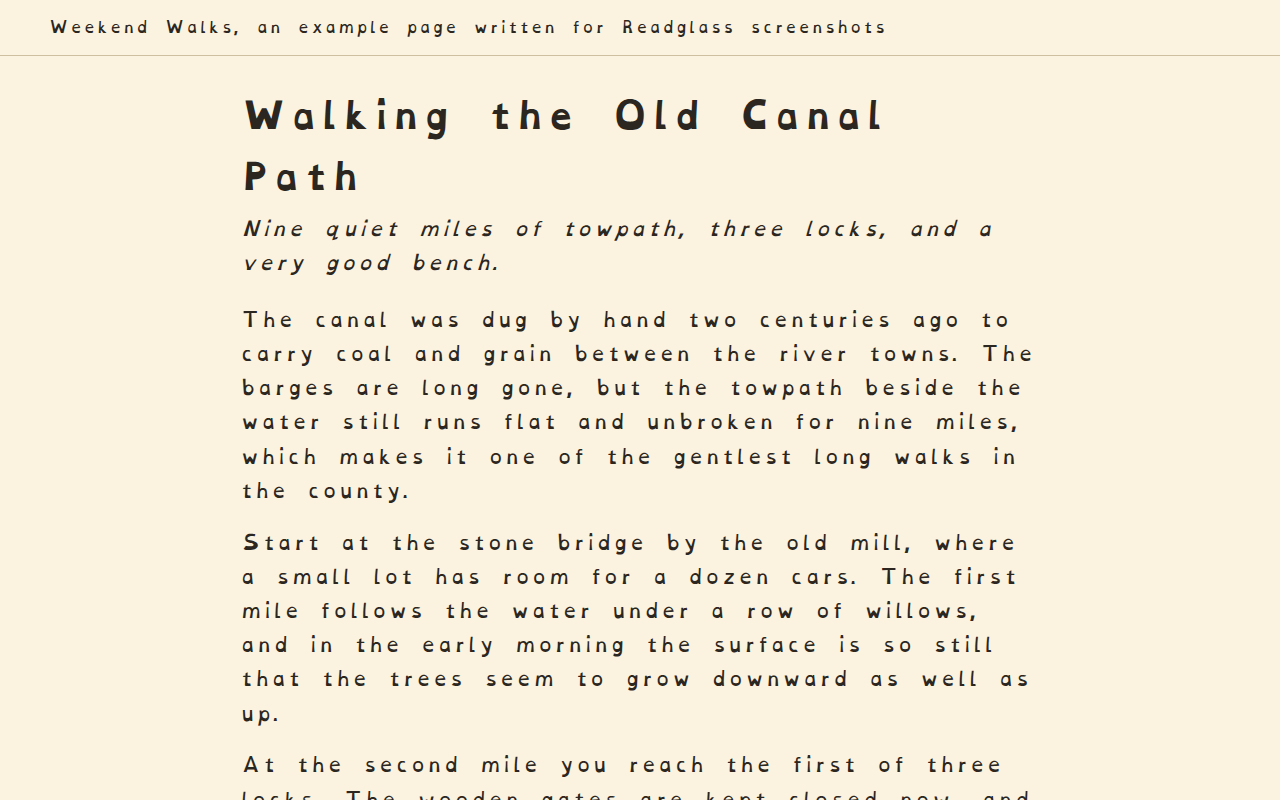
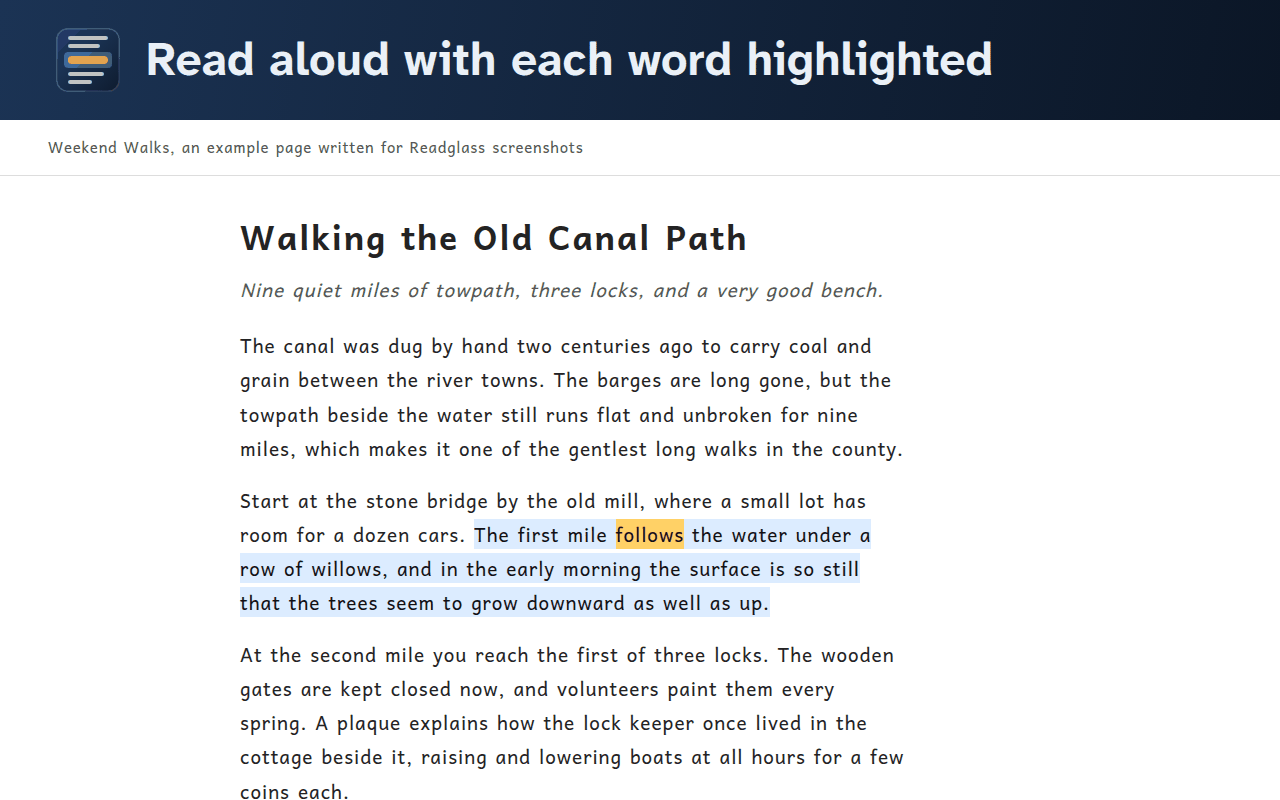
Readglass puts reading mode, line focus, tints and read aloud into one browser extension. Pick a font (OpenDyslexic, Atkinson Hyperlegible Next, Lexend and Andika come with it), spacing and line length, dim everything except the current line, or have the page read aloud with each word highlighted as it goes. It only runs where it's asked to.
What it does
- Reading mode. Pick one of four bundled, openly licensed fonts or keep the page's own, then set the size, the letter, word, line and paragraph spacing, and the line length. Turning it off puts the page back exactly how it was.
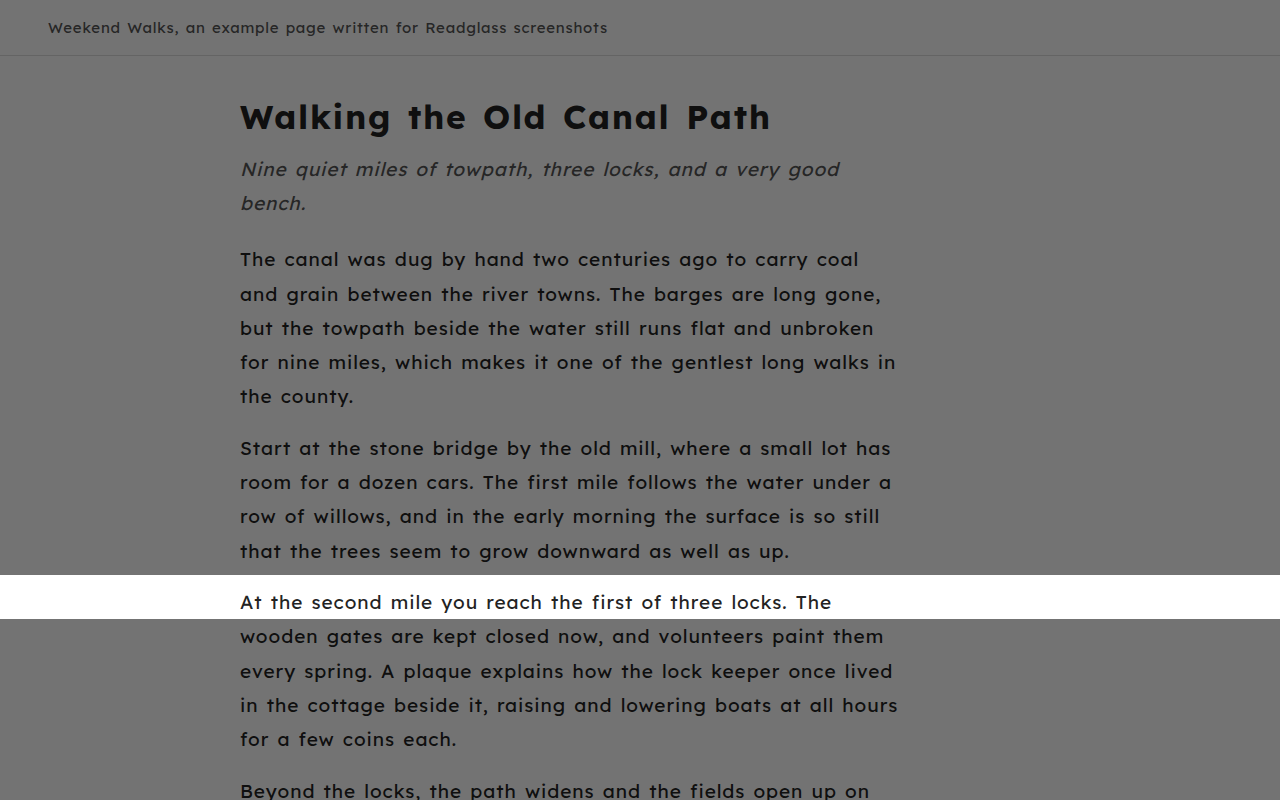
- Line focus. A reading ruler, or everything dimmed except the current line. It follows the mouse or text cursor, and there are keys to step line by line.
- Tints, with a contrast check. Eight tints and three reading themes. It warns when a combination drops below the WCAG 4.5:1 guideline for body text.
- Read aloud. From a selection or a clicked paragraph, with each word highlighted and the page left alone. Voices already on the device are the default.
- Presets that don't overpromise. They say what they change, not what they'll do for you. Settings can be saved to a file.
- Only runs where it's asked to. One tab at a time by default, or always on for chosen sites.
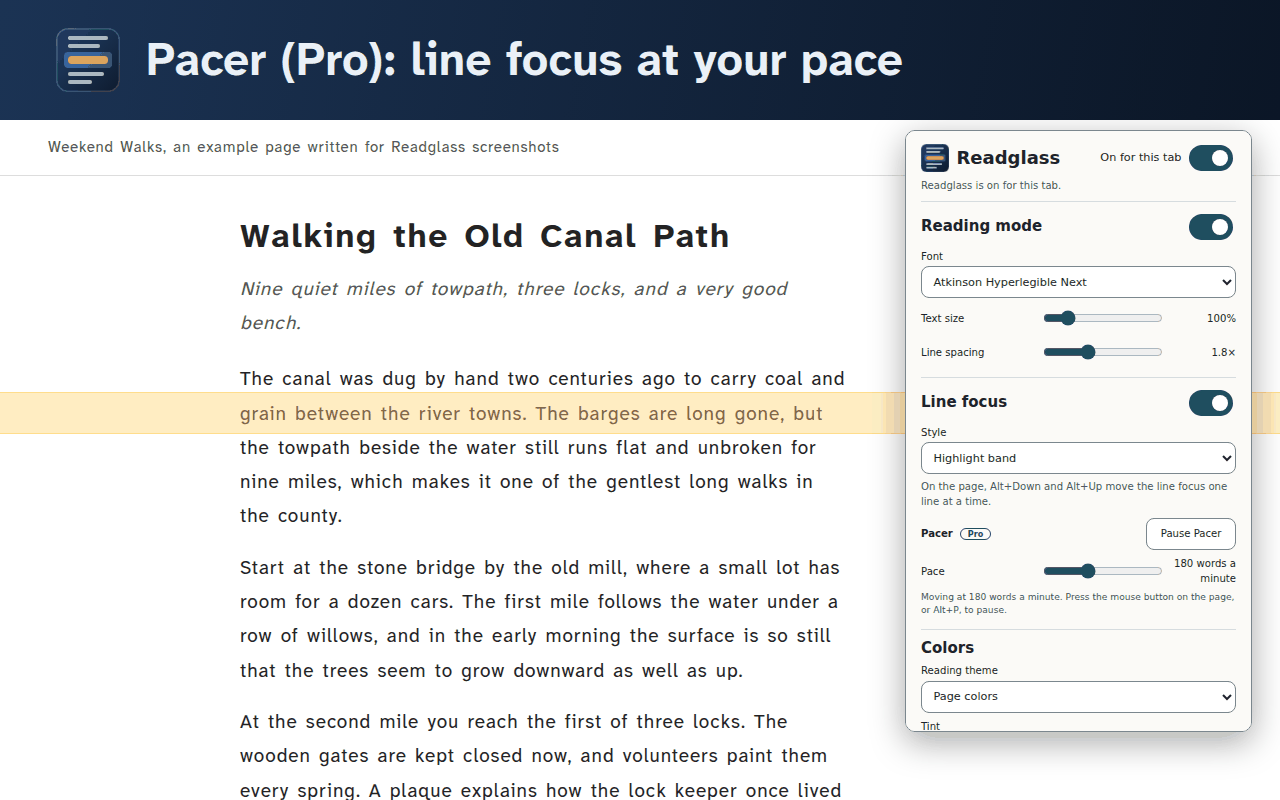
- Pro adds a few more. Pacer, a pronunciation dictionary, profiles per site, and a button that simplifies a paragraph with a self-hosted language model.
What it doesn't do
- No Safari version for now.
- It doesn't read PDFs yet.
- No cloud voices or cloud AI of its own.
- No account and no analytics.
- No streaks, countdowns or upsells on the page.
Who it's for
People who read a lot on the web and want their reading aids in one place, with a privacy promise they can actually check. It's a reading comfort tool, not a medical product.
Where it stands
Coming soon
Works now
- The free extension: reading mode, line focus, tints and read aloud
- The Pro features, Pacer included
- Ten presets, four of them built to numbers from published accessibility guidance
- A pronunciation dictionary that arrives with entries in it, not empty
- A clean view that strips a page back to what you came to read
- Managed settings for a school or a workplace to set once
- The groundwork for other languages, with every string ready to translate
Still to do
- A final name
- The real key for Pro license codes
- Browser store accounts, and Chrome now wants a verified phone number and a public address
- Some time on real devices, since the screenshots so far were taken headless on Linux
- A price, and a lawyer's read of the terms
As of
Join the waitlist
One email when Readglass is out, and that's it.
Or write to support@lanternwright.com with “Waitlist: Readglass” as the subject.
Questions
- Can Readglass see what I read?
- No. There's no Readglass server, and it collects nothing. Text only leaves the device through an online voice or the optional simplify feature pointed at another computer, and Readglass says so first.
What it keeps, and where
Readglass works inside the browser and collects nothing about the reader or what they read.
Goes online only for: Online read-aloud voices (off until you turn it on); Simplify a paragraph (Pro) (off until you turn it on).
Runs on, and what it'll cost
- Runs on
- Chrome extension. Edge extension. Firefox extension. Safari is planned later.
- Cost
- The reading basics stay free forever. Pro is a one-time purchase (that's the plan, anyway) with a year of updates, unlocked by a license key that works offline, so there's no account and nothing phoning home. Free Pro licenses are available on request.
A reading comfort tool. It may make reading more comfortable; it makes no promises about reading outcomes.
Chrome, Firefox, Edge and Safari are trademarks of their respective owners. Readglass is not affiliated with or endorsed by any of them.